What a QR Code Actually Is
QR ("Quick Response") codes are two-dimensional barcodes developed by Denso Wave in 1994 for tracking automotive parts. The pattern encodes data across both horizontal and vertical axes — unlike 1D barcodes, which only use one axis. This gives QR codes dramatically higher data capacity: a standard 1D barcode holds ~20 characters; a QR code holds up to 7,089.
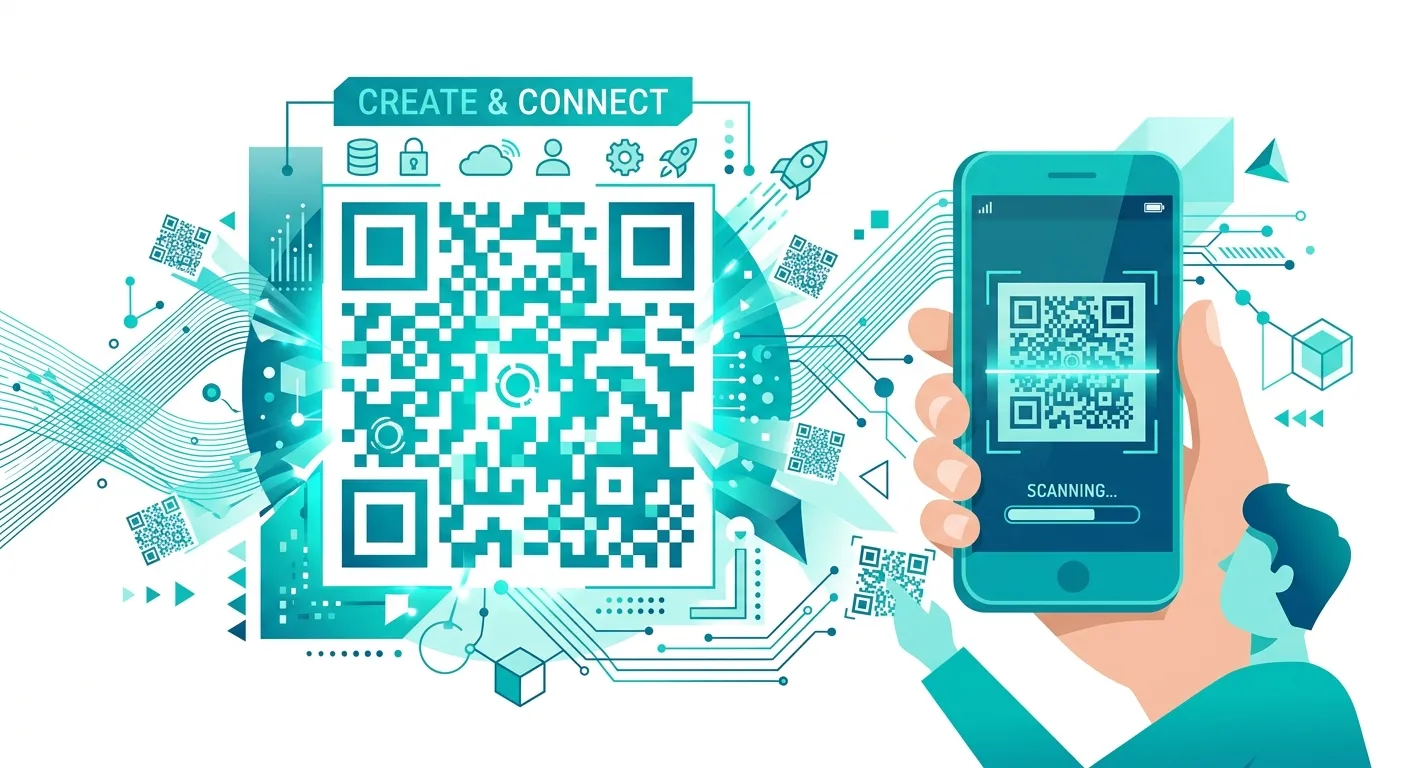
The three large squares in the corners are "finder patterns" — they help scanners detect and orient the code regardless of rotation or angle. The smaller square in one corner is the "timing pattern," which helps the scanner identify the grid size. None of these are data — they're structural markers.
The data sits in the remaining modules (the black and white squares). Error correction built into the standard lets up to 30% of modules be damaged, obscured, or replaced (with a logo) while the code remains scannable. This is why QR codes work even when partially covered.
Every QR Code Type and When to Use It
The "type" of a QR code is just a content format convention — the underlying technology is identical. What changes is the data string format, which phones interpret differently:
| Type | Use case | Pro tip |
|---|---|---|
| URL | Send people to a website, landing page, or online document | Shorten long URLs first — simpler patterns scan faster |
| WiFi | Let guests join your network without typing a password | Use WPA2 security type for modern routers |
| vCard | Share contact info — name, phone, email, company, address | Keep fields minimal; more data = denser pattern |
| Pre-fill recipient, subject line, and body for one-tap compose | Useful for feedback forms and contact CTAs | |
| SMS | Pre-fill a text message — great for opt-in campaigns | Check carrier short code compatibility before printing |
| Phone | Dial a number directly on scan | Include country code for international use |
| Plain Text | Display a message, instruction, or code without opening a browser | Max ~300 chars for reliable scanning |
| Bulk | Generate dozens of QR codes from a CSV file | Use for product labels, event badges, or inventory tags |
Step-by-Step: Creating a URL QR Code
- Go to QRForge's URL generator
- Paste your URL in the input field (https:// is required for auto-browser-open)
- Optionally adjust foreground/background colors under "Customize"
- Click "Generate QR Code"
- Download as PNG (for screens) or SVG (for print)
That's it. No email required, no account, no watermark, no expiry date. The code is static — it will work as long as your URL resolves.
Step-by-Step: Creating a WiFi QR Code
WiFi QR codes use the WIFI: URI scheme. The format is:
You don't need to format this manually. QRForge's WiFi generator handles it — enter your SSID, password, and security type (WPA2 for most modern routers), and the code generates instantly.
Important: the password is stored in the QR code itself. Anyone who scans your code gets your WiFi password. For guest networks in public spaces, use a separate guest SSID with a different password — not your main network credentials.
PNG vs SVG: Which Format to Download
This is the most common mistake: downloading PNG when you need SVG, then wondering why your poster QR code looks blurry.
PNG
- Fixed resolution (raster)
- Shrinks fine, blurs when enlarged
- Best for: websites, emails, social media, apps
- Recommended size: 512×512 minimum
SVG
- Resolution-independent (vector)
- Scales to any size perfectly
- Best for: print, signage, merchandise, banners
- Recommended for: anything over 2″ printed
Adding a Logo Without Breaking Scannability
QR codes use error correction at four levels: L (7%), M (15%), Q (25%), and H (30%). The letter refers to the percentage of the code that can be damaged while still scanning correctly.
To embed a logo safely:
- Use Level H error correction (QRForge's Customize tool sets this automatically when you upload a logo)
- Keep the logo under 25% of the total code area
- Center it — logos at corners interfere with finder patterns
- Ensure high contrast between the logo and background
- Test the finished code on at least 3 different devices before printing
The failure mode people don't anticipate: a logo that scans fine on a phone screen may fail when printed at small sizes due to ink bleed. Always test a printed sample at the intended final size.
Static vs Dynamic QR Codes: The Real Trade-off
Static QR codes (what QRForge generates) encode data directly in the pattern. The URL or text is permanent — it cannot be changed after the code is created. If you need to update the destination, you must generate a new code and replace all printed copies.
Dynamic QR codes encode a short redirect URL managed by the QR service. You can change the destination at any time through a dashboard. They also track scan analytics: count, time, and approximate location.
The cost: dynamic codes require an ongoing subscription to the hosting service ($5–$30/month depending on features). When you cancel, the redirect URLs break and all printed codes stop working. Static codes are free and work forever.
For most use cases — personal cards, restaurant menus linking to a stable URL, event materials — static codes are the correct choice. Dynamic codes make sense for high-stakes printed materials (product packaging at scale) where you need to update the destination without reprinting millions of units.
Bulk QR Code Generation
If you need QR codes for a product catalog, event badges, or inventory labels, generating them one-by-one is impractical. QRForge's Bulk Generator accepts a CSV file and produces a ZIP of individual PNGs or SVGs — one per row.
The CSV format is simple: one URL or data value per row. Headers are optional. Output naming matches the row order (or a custom name column if provided). Useful for:
- Product pages — one QR code per SKU linking to the product detail page
- Event check-in — unique QR codes per attendee for badge scanning
- Physical inventory tags — QR codes linking to internal asset management URLs
- Real estate — QR codes on yard signs linking to individual property listings
Frequently Asked Questions
How do I create a QR code for free?
Use a free QR code generator like QRForge — paste your URL, text, WiFi credentials, or contact info, customize the colors if needed, then download as PNG or SVG. No signup required. The entire process takes under 30 seconds for a basic URL QR code.
What types of data can a QR code contain?
QR codes can encode URLs, plain text, email addresses, phone numbers, SMS messages, WiFi credentials (SSID + password + security type), vCard contact information, calendar events, geographic coordinates, and cryptocurrency payment addresses. The data type determines how phones interpret the scan — a URL auto-opens a browser, WiFi credentials auto-connect, vCards prompt a contact save.
What's the difference between static and dynamic QR codes?
Static QR codes encode the data directly — the URL or text is baked into the pattern and cannot be changed after printing. Dynamic QR codes encode a redirect URL; the destination can be changed any time through a dashboard without reprinting. Dynamic codes also track scan counts and location data. The tradeoff: static codes are free forever; dynamic codes typically require a paid subscription to the hosting service.
What's the maximum amount of data a QR code can hold?
The QR code standard (ISO/IEC 18004) supports up to 7,089 numeric characters, 4,296 alphanumeric characters, 2,953 bytes of binary data, or 1,817 Kanji characters. In practice, shorter content produces simpler (less dense) patterns that scan faster and more reliably. For URLs, keep them under 200 characters. Long URLs are better handled through a URL shortener before encoding.
How do I create a WiFi QR code?
You need three pieces of information: the network name (SSID), the password, and the security type (WPA2, WPA3, or WEP — most modern routers use WPA2). Enter these into QRForge's WiFi QR generator, download the code, and print or display it. When guests scan it, their phone prompts them to join the network automatically — no typing required. This is the standard use case for cafe and hotel WiFi QR codes.
Can I add a logo to my QR code?
Yes. QR codes include error correction (up to 30% of the pattern can be damaged and still scan correctly — this is called Level H error correction). A centered logo occupying up to 25-30% of the code area typically doesn't impair scannability, provided the logo has clean edges and the surrounding pattern is high-contrast. Always test the finished code across multiple devices after adding a logo.
What image format should I download my QR code in — PNG or SVG?
SVG for print and large displays; PNG for web and digital use. SVG is a vector format that scales to any size without pixelation — essential for posters, banners, and merchandise. PNG is a raster format at fixed resolution — fine for screens, email, and social media. If you're printing anything larger than a business card, use SVG. For a website or email, PNG at 512×512 or higher is sufficient.
Generate Your QR Code Now — Free
No signup, no watermark, no expiry. Download PNG or SVG instantly.